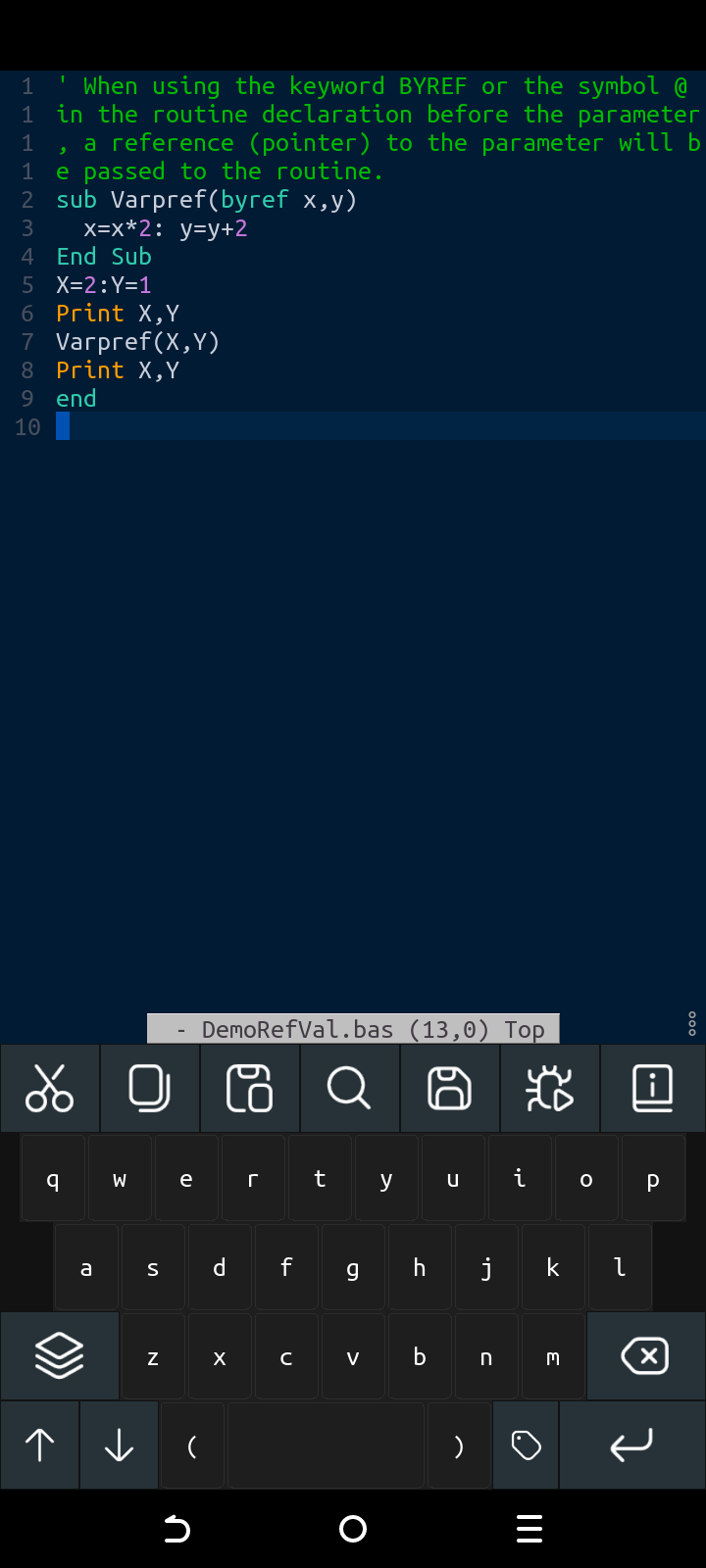
Recent to the new update, the keyboard is not compatible with Latin America.
The keyboard is fixed on screen and cannot be disabled.One should have the option of whether one wants to work with one of the keyboards, I really don’t like this update, I don’t have access to more characters when creating a new program.
The truth is that the app is good, In my opinion the The app should have more configuration options, so why bother with another virtual keyboard if the app was fine?
I’ve put an update in the open test channel (google play store).
I’ll wait for a week or so to see if there’s any feedback with the changes.
You need to click the “Editor” option until you see “Editor [SYSTEM]”
I used the editor with android and app keyboard. So far no complains. Everything works fine with both keyboards.
Maybe one remark. To delete several commands with the backspace key of the app keyboard, that key has to be pressed once for every letter. Would it be possible to have a repeat delete as long as the key is pressed?
Thanks for testing it! - I’m still seeing an issue on my device. I’ll make another update soon.
A repeat of sorts might be possible. It would need to be implemented more like a long-press due to the internal message queue handling. But that might be good - a long press could delete the previous word. I’ll see what’s possible.
I’ve been trying the smallbasic version 12.31 I really liked that it had the option to enable and disable both keyboards, thanks for listening to the opinions and suggestions
I’ve been trying other apps like jvdroi and Cxxdroid, I have to be realistic, nothing like smallbasic is my favorite app.I’ve been trying other apps like jvdroi and Cxxdroid, I have to be realistic, nothing like smallbasic is my favorite app. Congratulations on the improvements to the app, thanks.